Products
Four products, one job: data that will not wreck go‑live.
vise DMW is the platform; FieldMap and LoV-MAP plug into its steps or run alone; Data Run carries the same discipline past go-live. All of it sits in front of the load tool you already have.
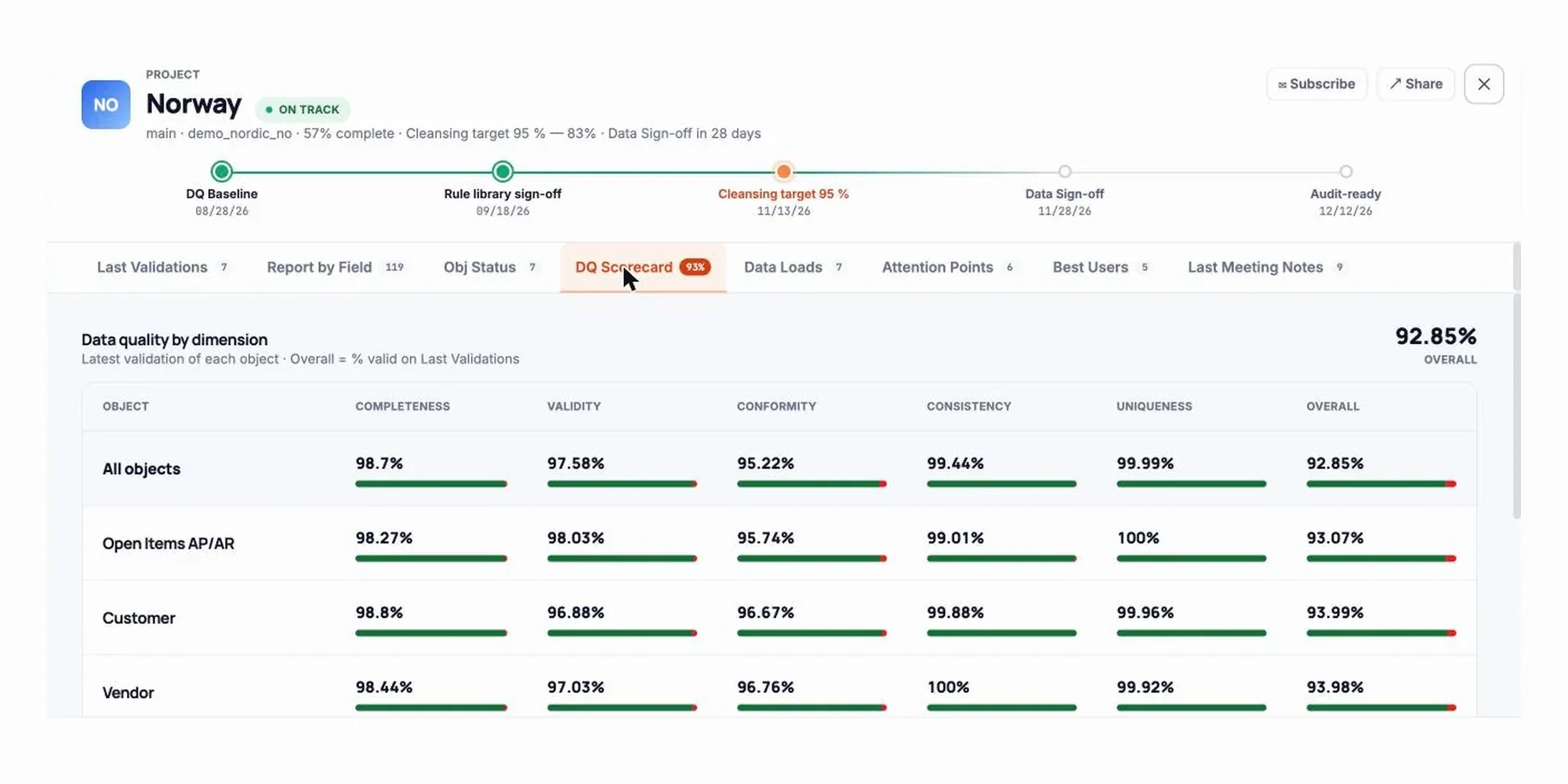 vise DMW
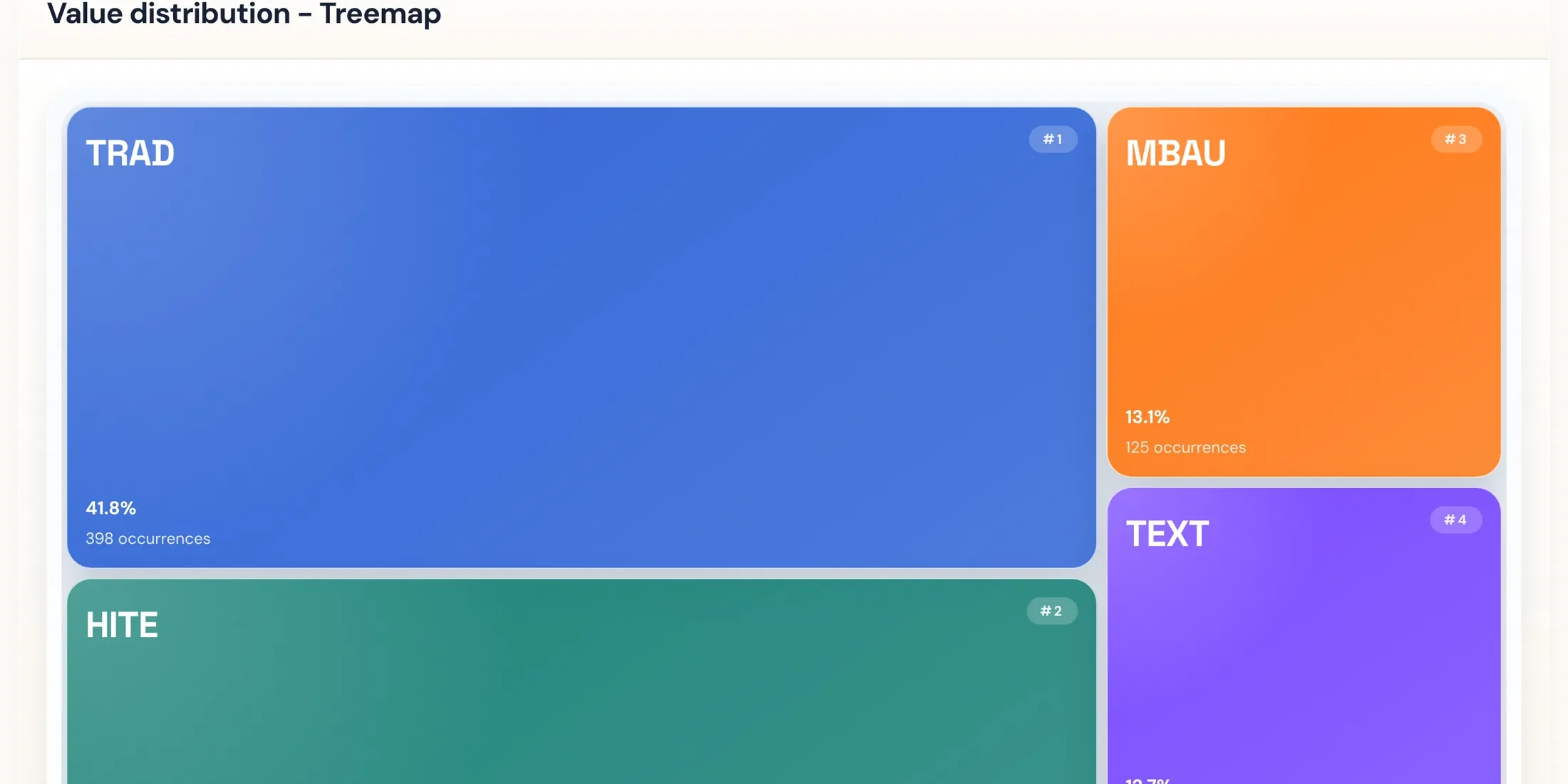 vise FieldMap
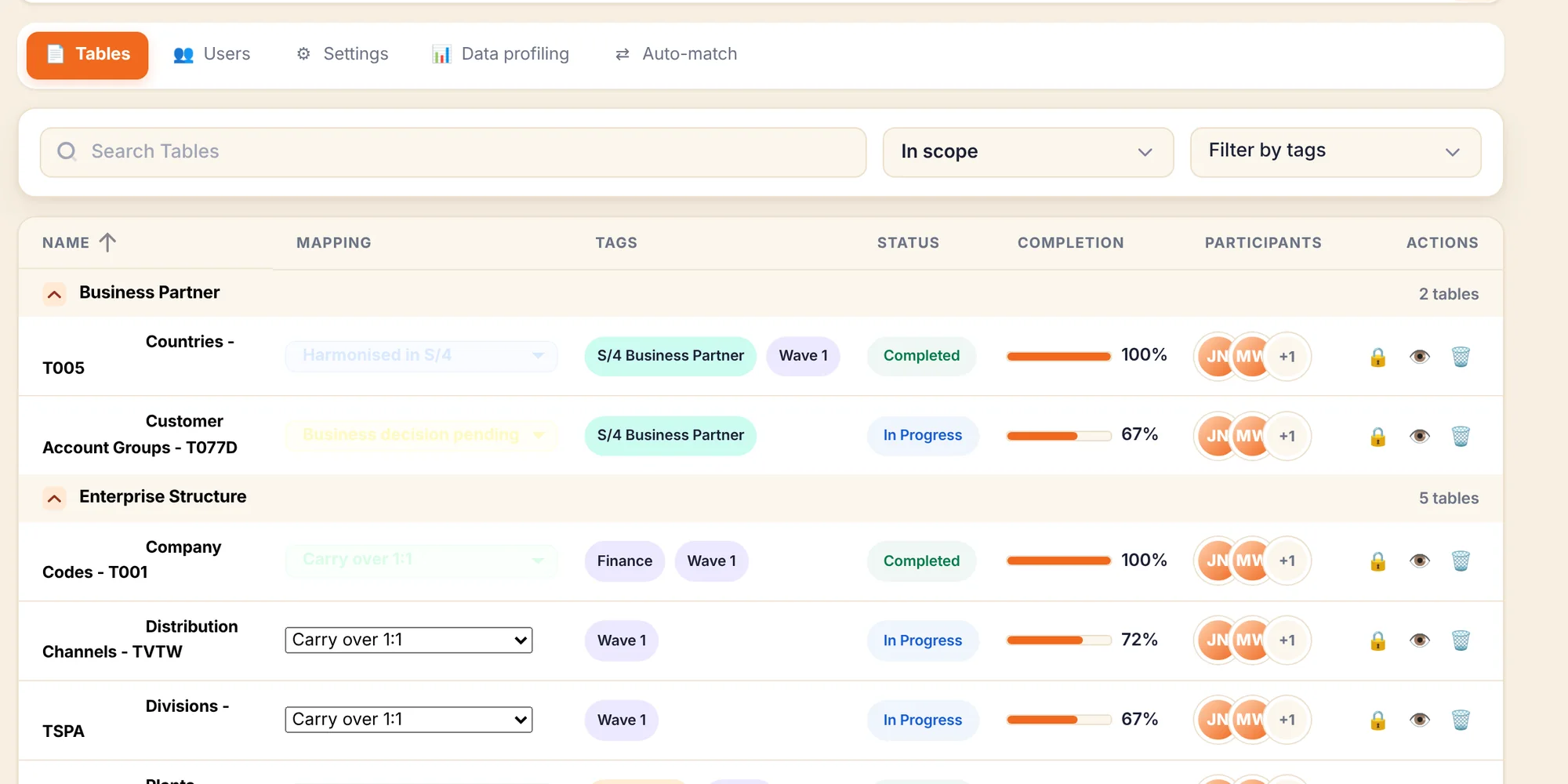 vise LoV-MAP
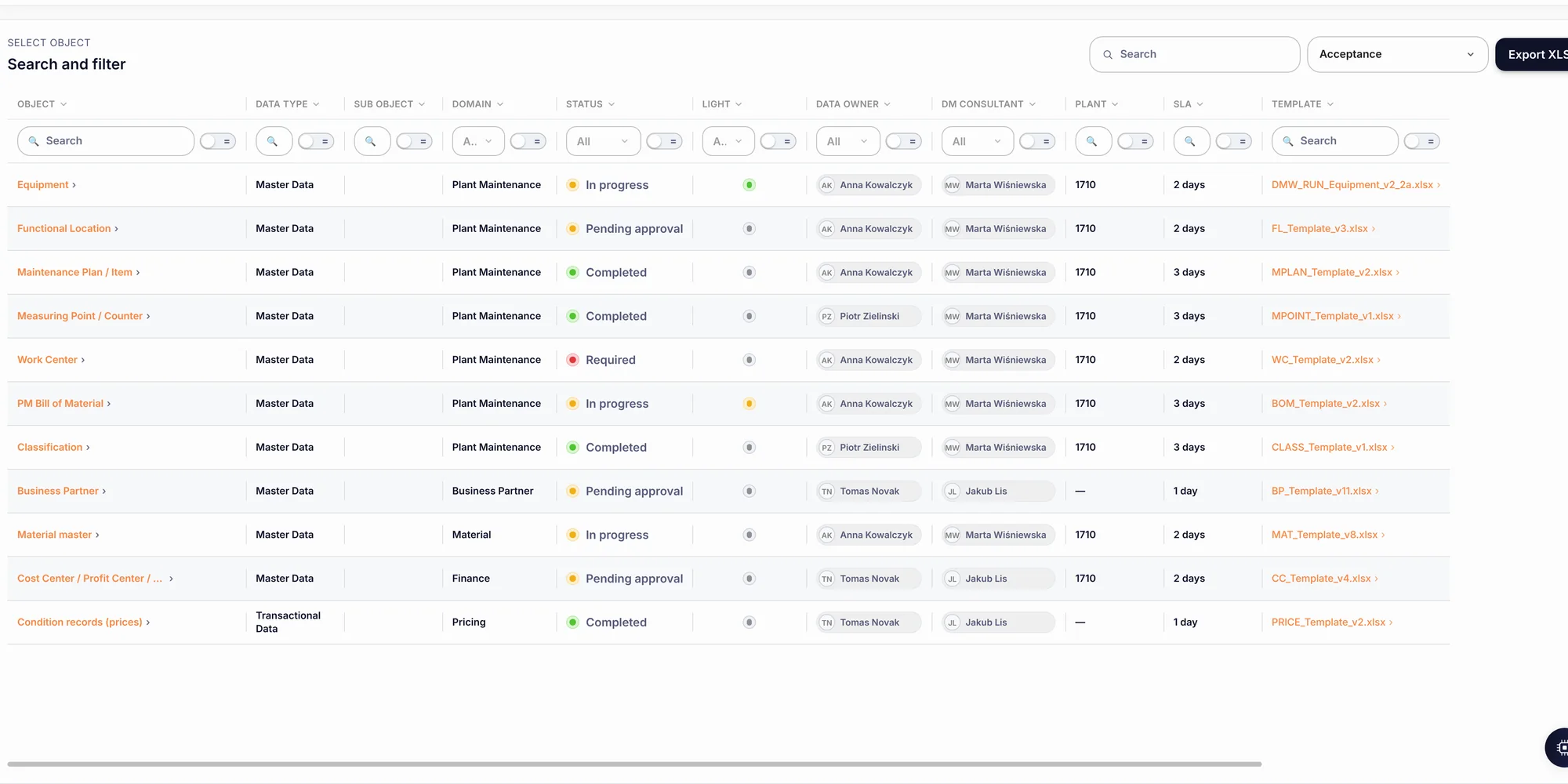 vise Data Run
01
The four, and where each one sits.
Highlighted chips mark the vise DMW steps a product owns. Loads go through BAPI, IDoc and OData — never a direct database write.
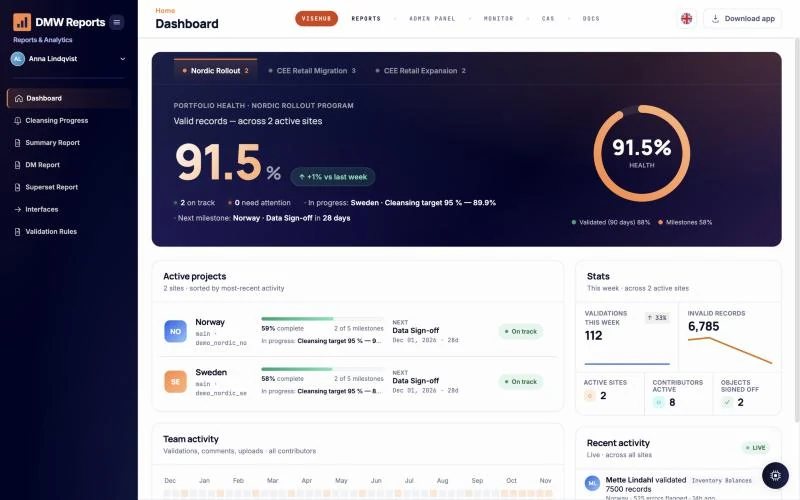 Explore vise DMW 02 Component · also standalone vise FieldMap First production client Mapping drafted by AI, decided by your consultant. Right after extraction and profiling, FieldMap proposes every field pair and transformation rule with a confidence score and the reason behind it. Your expert approves, edits or rejects line by line; every decision is versioned before anything is transformed. Any source and target metadata: JD Edwards, Dynamics NAV / Business Central, SAP, flat files. First production use: Business Central → S/4HANA.
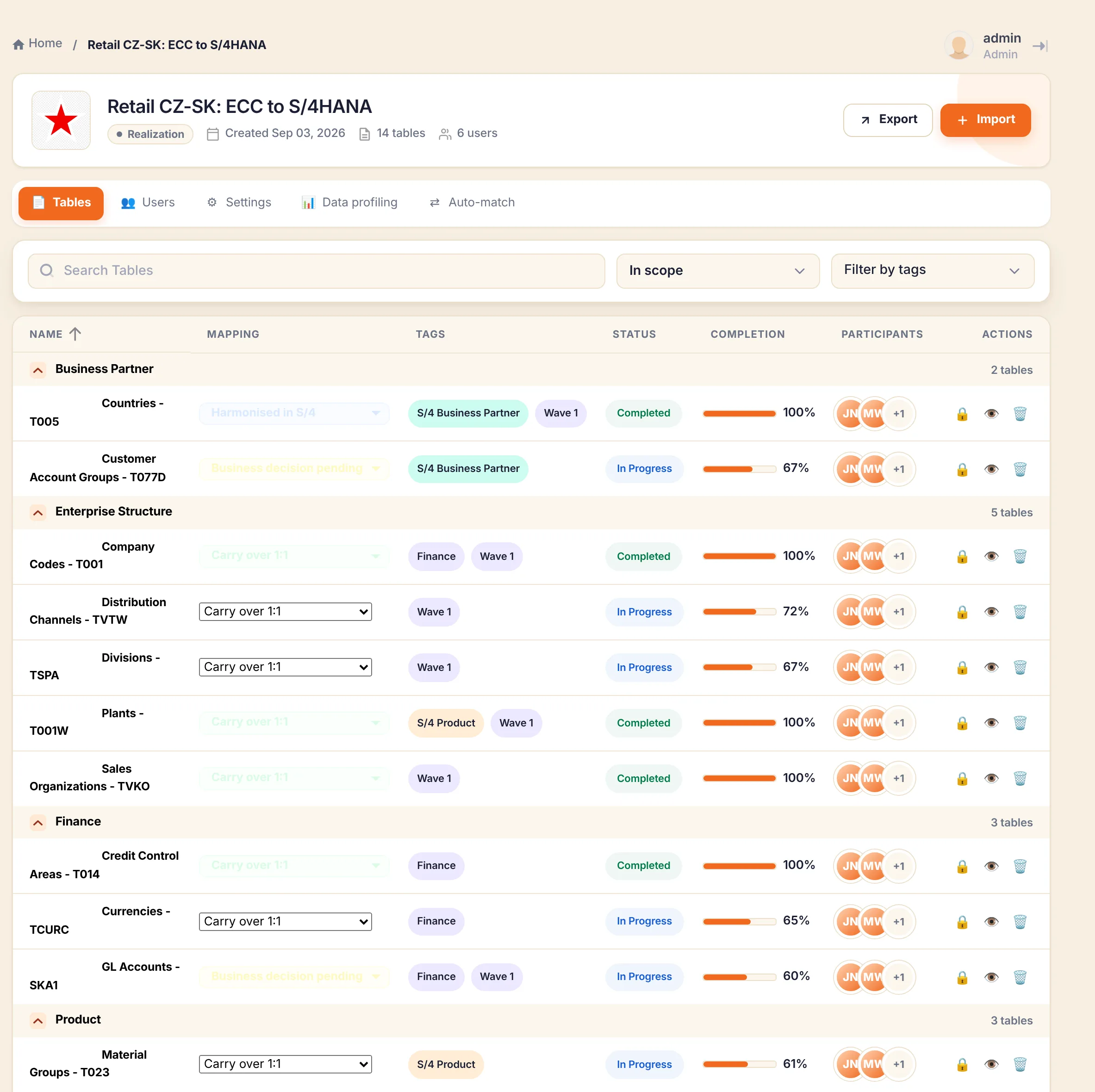
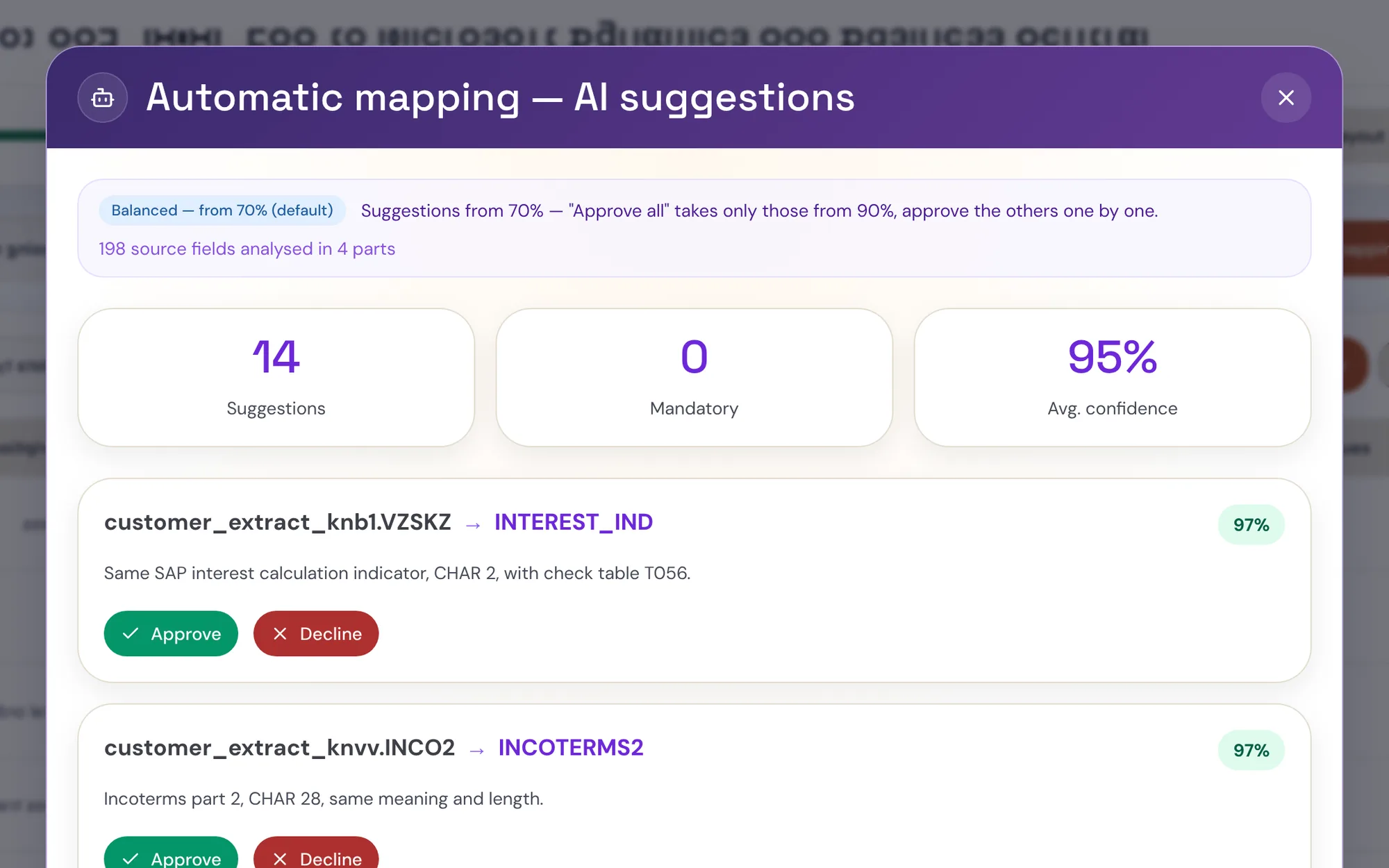 Explore vise FieldMap 03 Component · also standalone vise LoV-MAP Production Map values once. Reuse the decisions in every wave. Business users harmonise payment terms, account groups and the other lists of values before the load. LoV-MAP checks dependencies, flags values the target will not accept and records who approved what — inside vise DMW or next to any ETL. Source values from any ERP (JD Edwards UDC tables, Dynamics code tables, legacy lists); target lists from SAP ECC or S/4HANA.
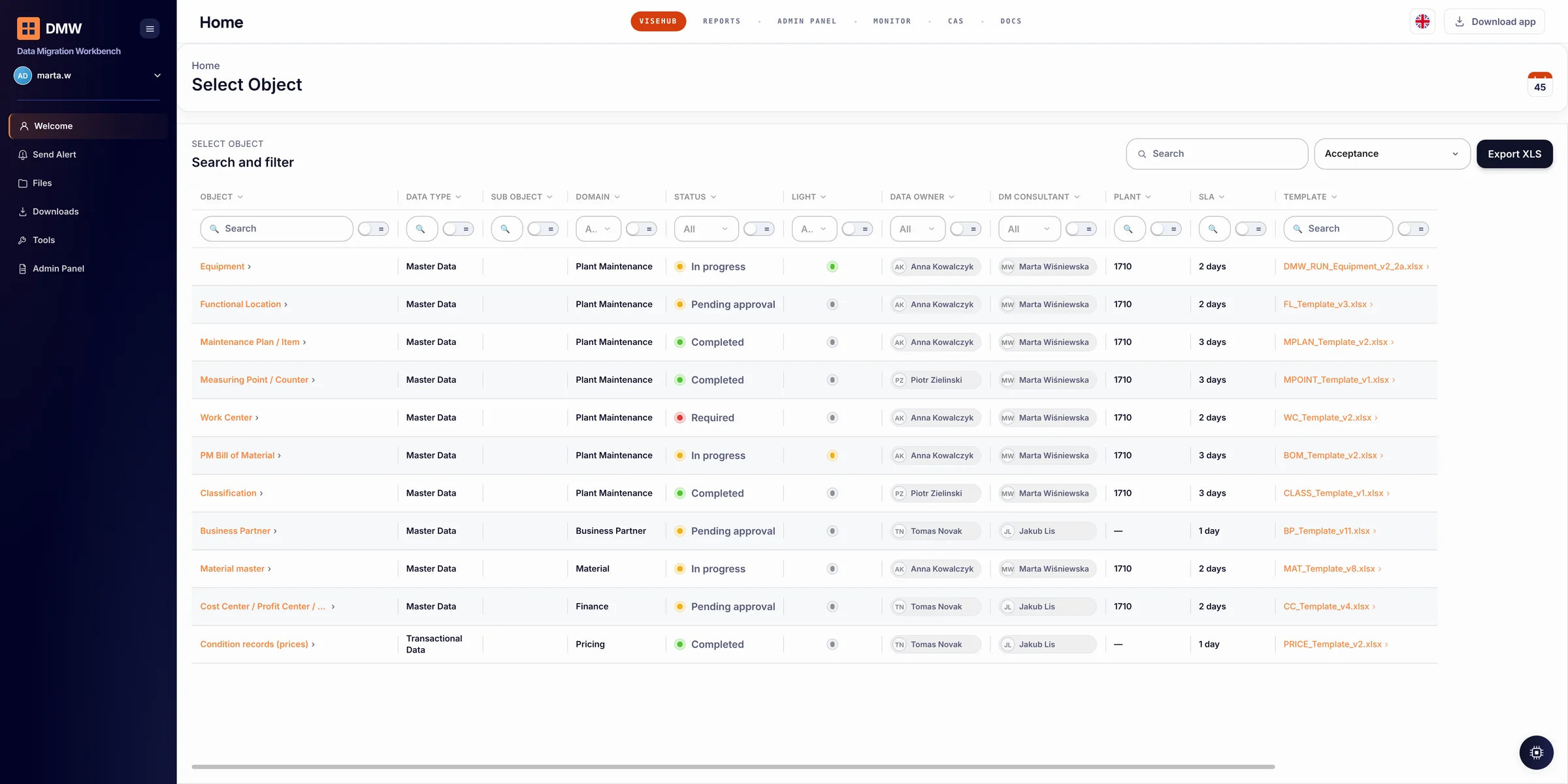
 Explore vise LoV-MAP 04 After go-live vise Data Run Production · global brewing group Business teams prepare bulk changes. IT keeps control. Changes to materials, vendors, prices, plant maintenance or business partners are validated, dry-run, approved by a named person and posted through standard interfaces, with the audit trail written for you. SAP, IBM Maximo, Navision / Business Central. In production on SAP ECC / S/4HANA (BAPI) and IBM Maximo. Same six checkpoints, whichever system owns the record. RequestValidateSimulateApproveLoadAudit
 Explore vise Data Run
02
Twenty plants, an integrator already chosen, six months to the first wave.
The usual starting point. Nobody wants a second integrator or a new load tool — they want the data not to blow the schedule. This is where each product sits.
- 01 Your integrator Runs the programme and the loads with its own tools — SAP Migration Cockpit, BODS or any ETL. Nothing changes there.
- 02 vise DMW Sits in front of every wave as the data-readiness gate: extracts from each plant, validates against S/4 rules, profiles, simulates the load and hands the integrator clean, mapped data on the agreed dates. The steering committee gets one readiness score per plant.
- 03 vise LoV-MAP Business owners map payment terms, account groups, countries and units once; the next 19 plants reuse the approved decisions instead of twenty spreadsheets.
- 04 vise FieldMap Drafts the field mapping and transformation rules for each object with a confidence score; your consultant approves line by line.
- 05 vise Data Run After go-live, mass changes to materials, vendors and plant-maintenance data keep the same validation, dry run and four-eyes approval — without a project.
Commercials: a licence priced by sites and user accounts (the more sites, the lower the price per site); your IT runs it, we run it for you under SLA, or hybrid. How we work →
See it on one of your objects, in 30 days.
Customer or vendor master from one plant: extracted, profiled, validated, field-mapped, value-mapped and load-simulated against your target. You get the data assessment report, the working project and an effort estimate for the full wave. Fixed-price consulting; no licence fee for the 30 days.